DINELINQ FAQ
A few answers before your next bite.
From your first search to your next favorite dish, here’s what to know about using DineLinq.
01 / GETTING STARTED
Start with a craving.
A dish, a cuisine, or a little inspiration.
What is DineLinq?
DineLinq helps you discover individual dishes and the restaurants serving them. Start with what you’re craving, explore the recommendations, and find something you’d love to order.
What can I search for?
Try a specific dish, a broader category, a cuisine, or something that fits your mood. For example: “shrimp tacos in San Diego,” “pasta near me,” “Italian in Boston,” or “something spicy.”
How do I choose a location?
Add a city to your search to explore that area. For nearby recommendations, allow location access when your browser asks. If you prefer not to share your location, include the city in your search.
Can I search for dietary preferences?
You can include preferences such as vegetarian, vegan, or gluten-free in your search. Menu information may be incomplete or change, so confirm ingredients and preparation directly with the restaurant.
If you have a food allergy, speak with the restaurant about ingredients and cross-contact before ordering. DineLinq cannot verify that a dish is safe for a particular allergy.
02 / YOUR RECOMMENDATIONS
Get to know the dish.
A closer look at what’s worth trying.
How does DineLinq choose recommendations?
DineLinq considers how closely a dish matches your search, its location, available menu information, restaurant quality signals, and feedback. Recommendations depend on the information available for that area.
Why recommend dishes instead of just restaurants?
A great restaurant can serve many different things. Focusing on individual dishes helps you decide both where to go and what to order when you get there.
What if I don’t see a match?
Try a broader dish category or a nearby city. DineLinq’s coverage is still growing, and some restaurants or dishes may not yet be included.
What does tapping the heart do?
It lets DineLinq know that a dish caught your attention. Likes are one of the feedback signals that help improve recommendations over time.
Are the photos always of the exact dish?
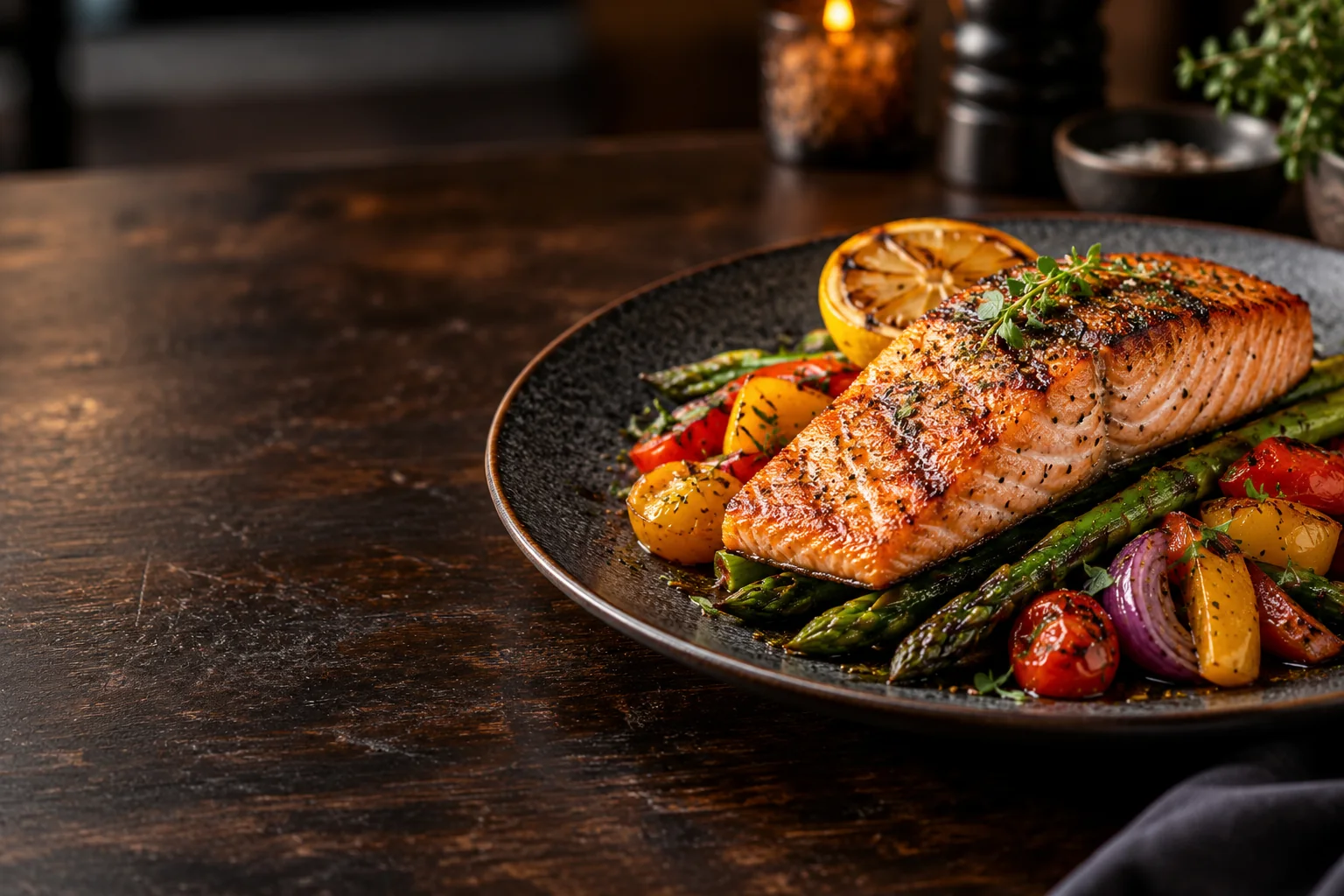
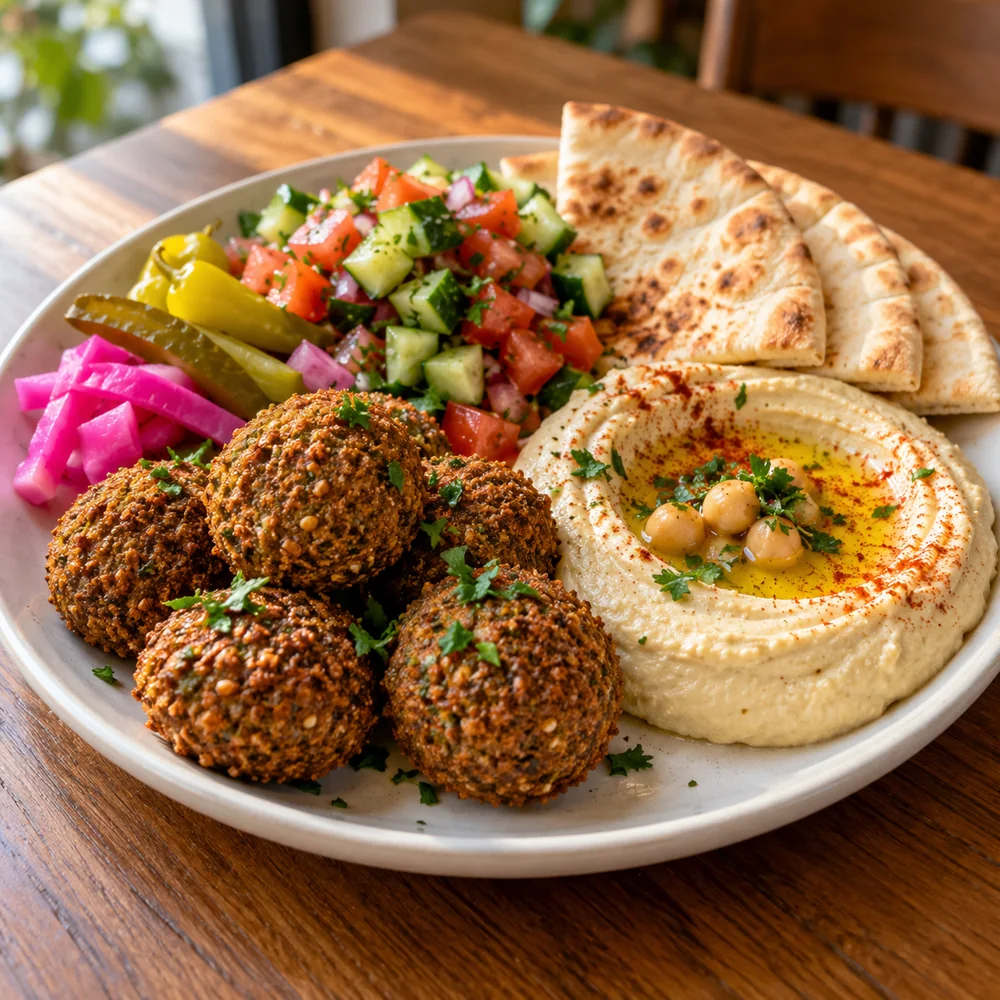
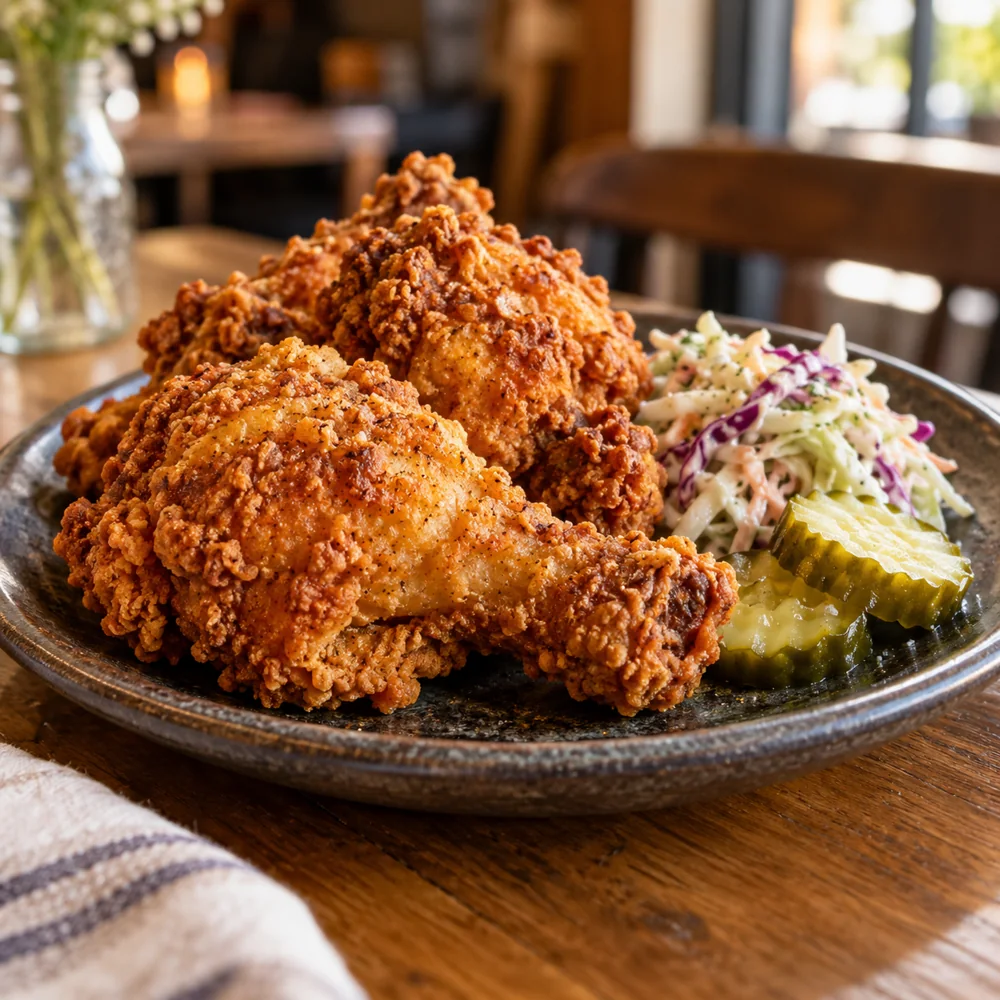
Not always. Some photos come from the restaurant’s photo collection, and some are representative images. Use the dish name and description to understand the recommendation, and check with the restaurant if you need to confirm how it is served.
03 / YOUR NEXT STOP
Found something good?
Take a closer look, then make your move.
How do I find out more about a dish?
Tap More on a recommendation to open its detail page. You can read about the dish, see the restaurant and location, and use the available call, directions, like, and share options.
Can I order food or make a reservation through DineLinq?
DineLinq helps you discover what to eat and where to go. To place an order, check availability, or arrange a reservation, contact the restaurant directly.
Are menu details and availability guaranteed?
Menus, ingredients, opening hours, and dish availability can change. Confirm important details with the restaurant before you visit or order.
Can I share a dish with someone?
Yes. Use Share on a recommendation or its detail page to pass along your find. The available sharing options depend on your device and browser.
How can I report a problem?
Use the site’s Report a Problem form to tell us what went wrong. Include your search, the restaurant and dish name, and a short explanation so we can investigate.